Every attendant, every shift, one calm place.
JW Volunteer runs the whole attendant volunteer lifecycle for large-scale JW events. Volunteers register, their congregations approve them, they complete training, and they get their shifts. On the day, check-in, alerts and reminders all happen on the phone in their pocket.
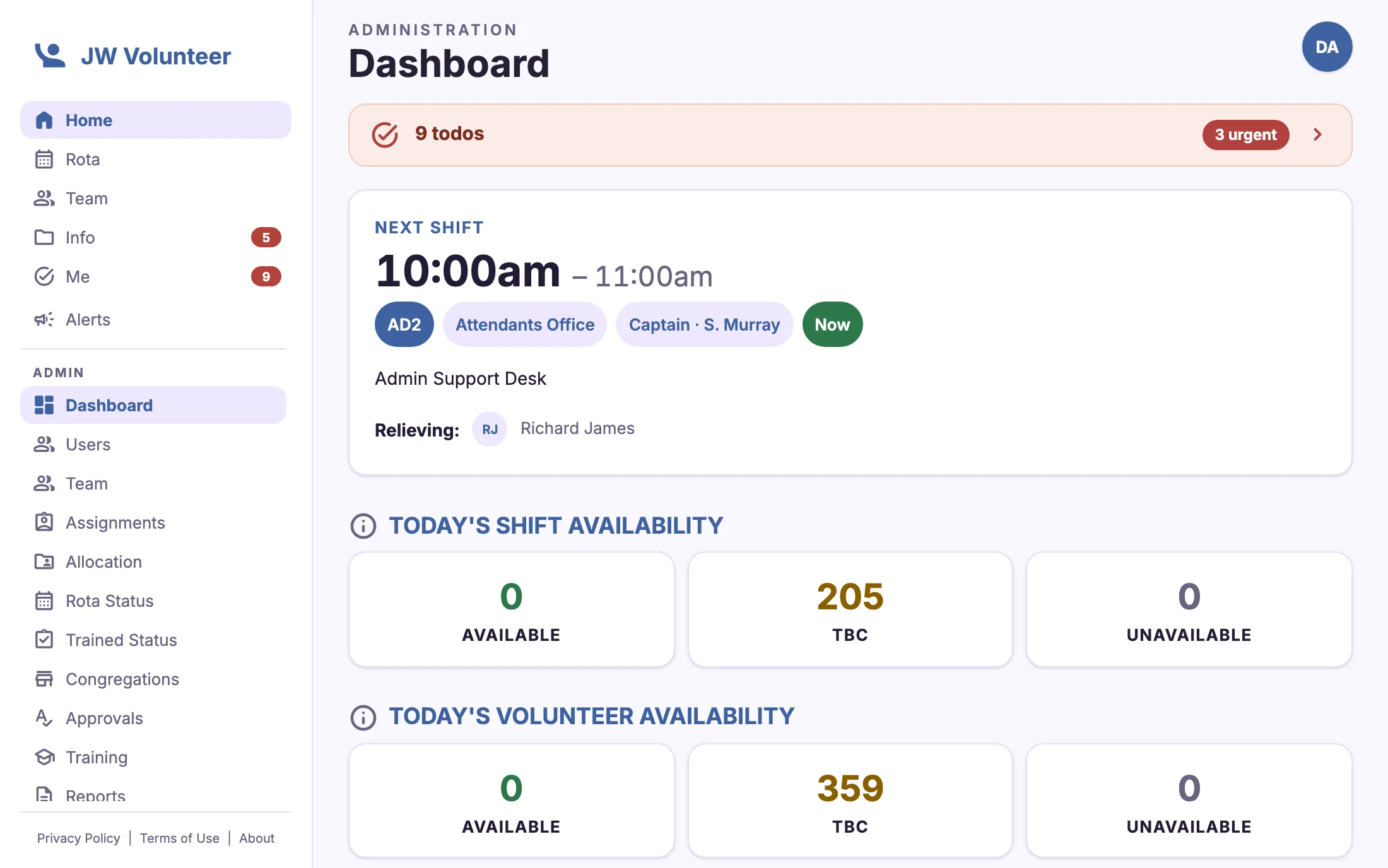
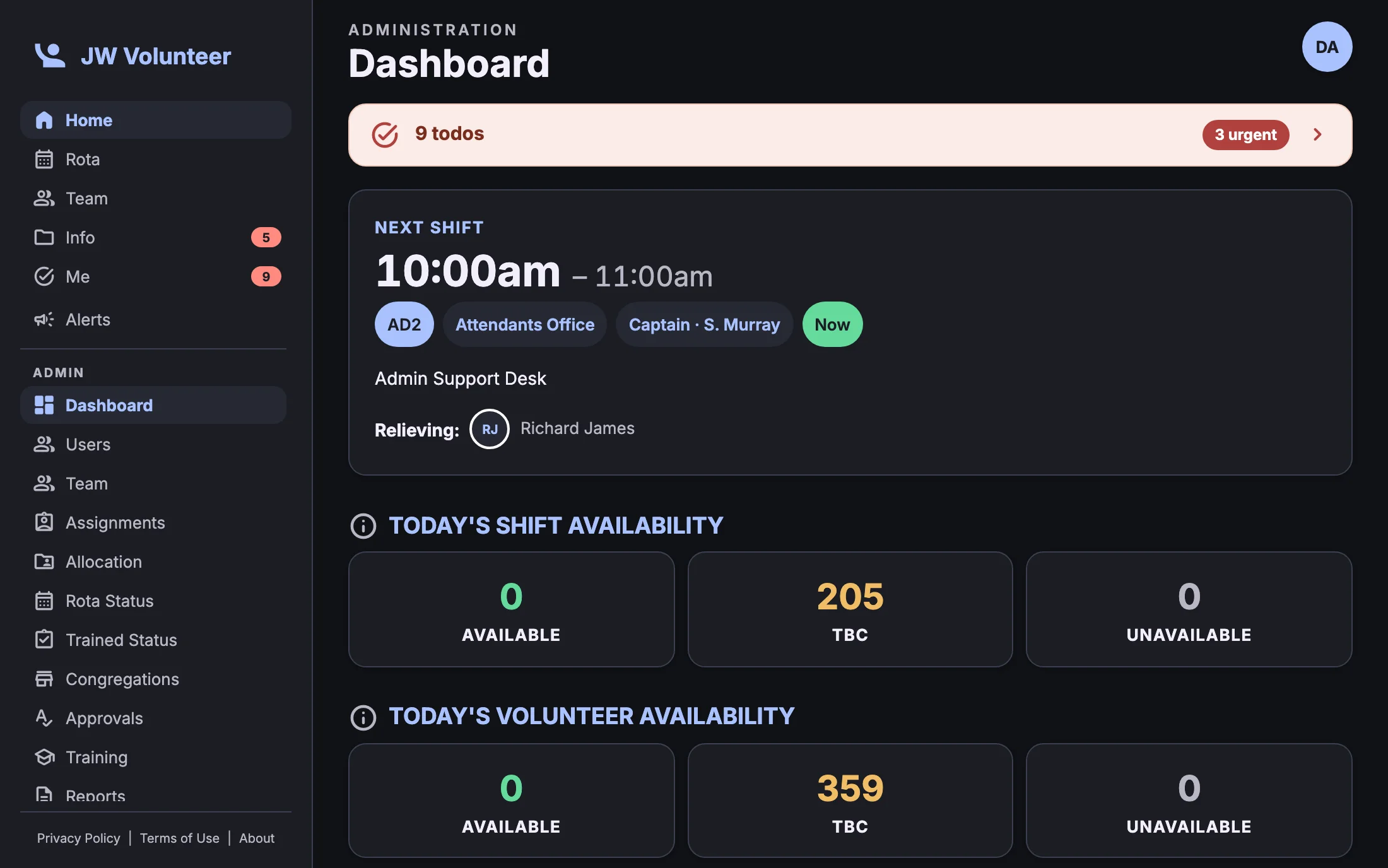


A new app, built around the event day
The 2026 release rebuilds every screen and adds tools for the busiest hours of an event, when the venue is full and decisions can't wait.
Redesigned from the ground up
Five-tab navigation (Home, Rota, Team, Info, Me), faster screens and a dark mode that follows your phone.
Event alerts
Send urgent messages to everyone, to those on shift now, or to chosen teams. Then watch acknowledgements arrive.
"For you" todos
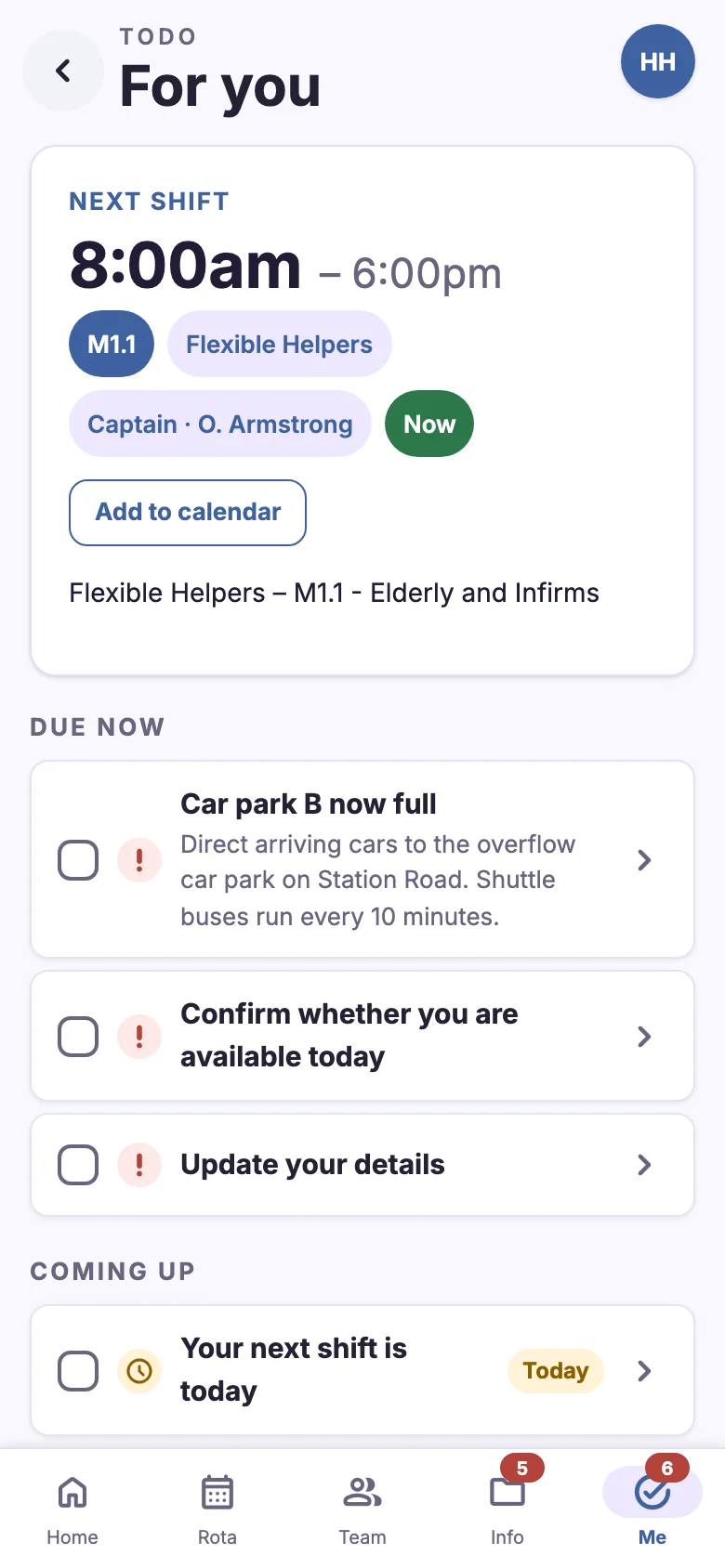
One list of what needs doing, ordered by urgency. Captains can issue todos to their team and track who has finished.
Training tracks and QR passes
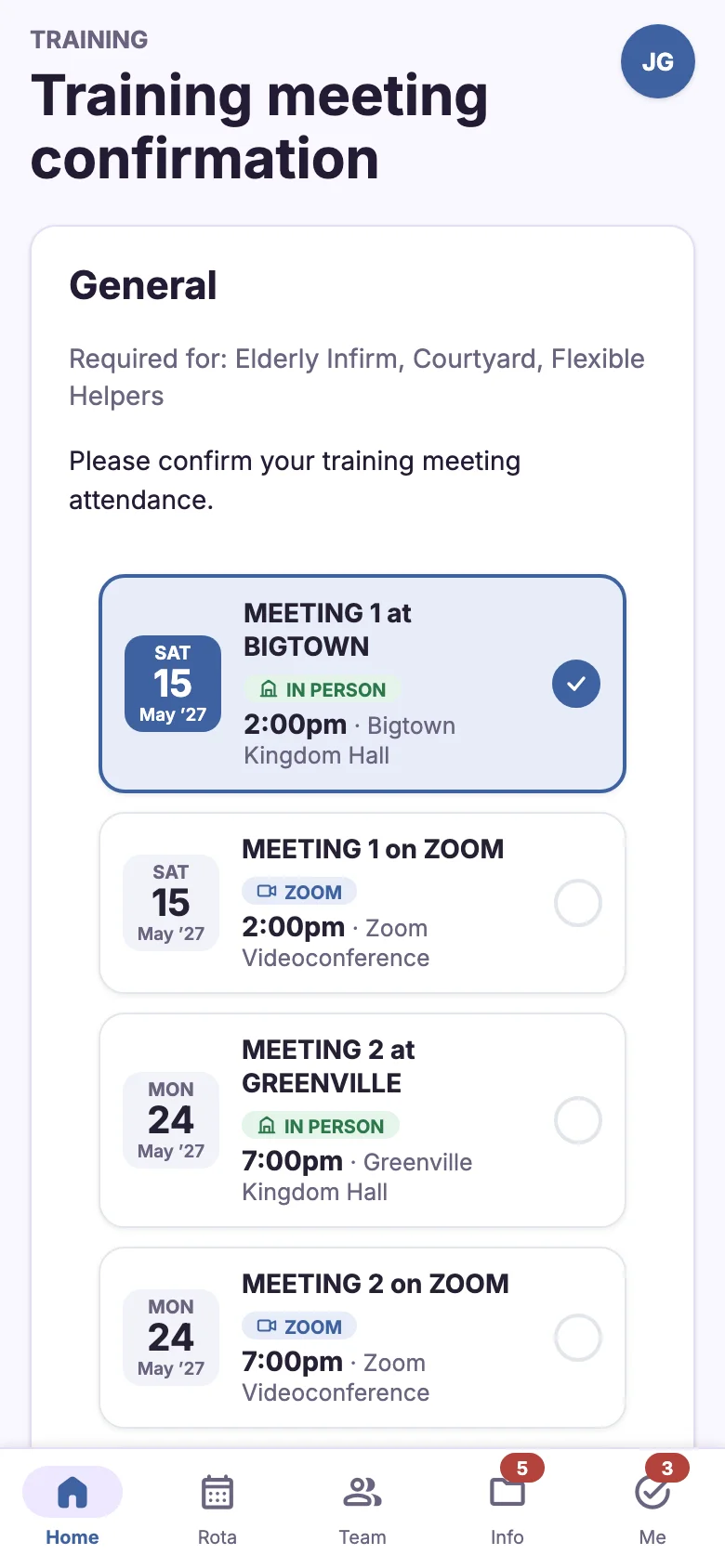
Training is tied to the assignments that need it and stays valid for the season. Attendance at meetings is scanned from each volunteer's QR pass.
Event-day check-in and counts
Volunteers tap "I've arrived". Captains enter audience figures, and the section counts roll up into an overall total.
AI Connect
Optionally connect an AI assistant such as Claude or ChatGPT. It can answer questions using only the data your role is allowed to see.
A home screen that knows your day
Home opens on what matters right now. It shows the next shift with its captain and location, a "Now" marker while you're on duty, and a reminder of later shifts. Anything urgent from the event team appears at the top.
- Next shift, captain and "Add to calendar" in one card
- One-tap event-day check-in: "I've arrived" or "Not available today"
- Pinned event alerts with acknowledgement
- Unread documents and todos badged on the tab bar
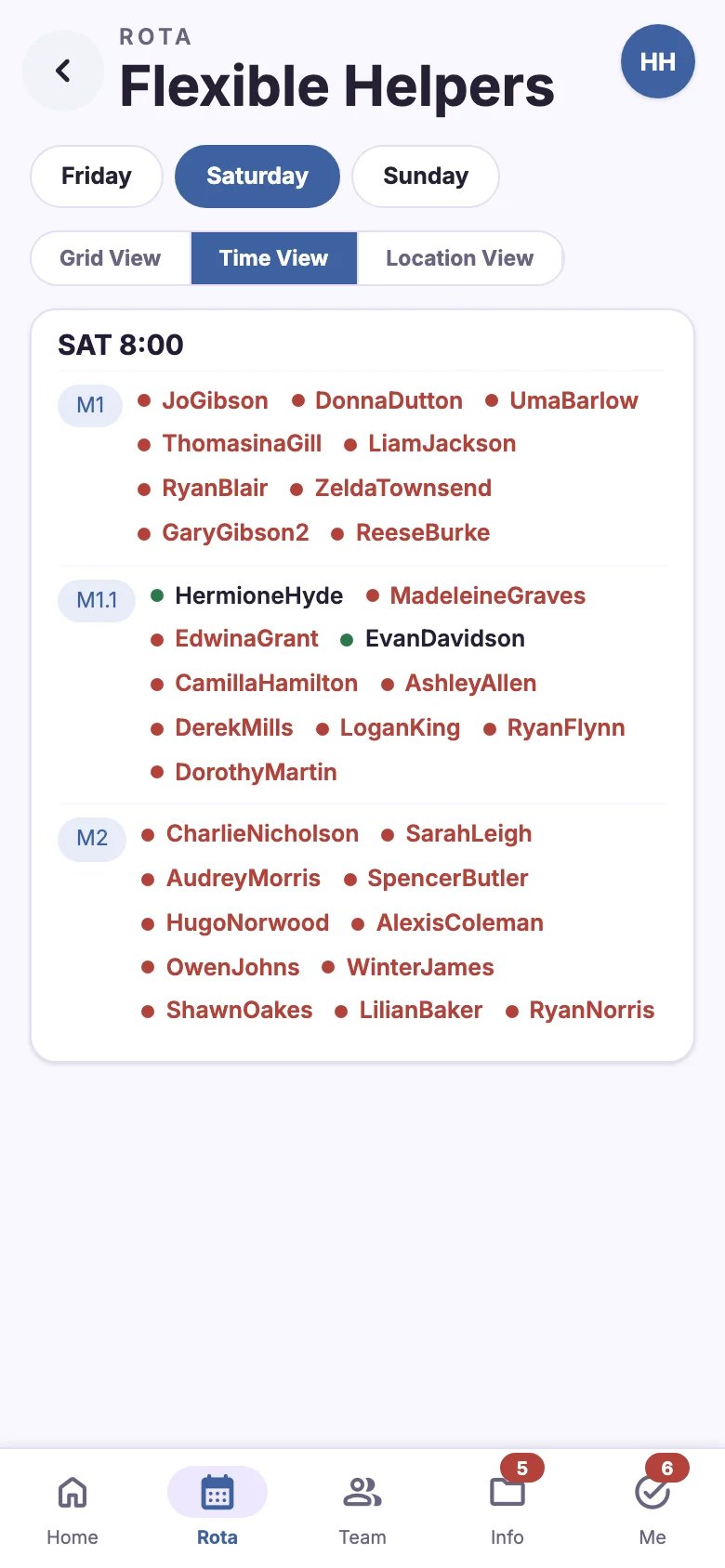
See the whole rota, and every gap, at a glance
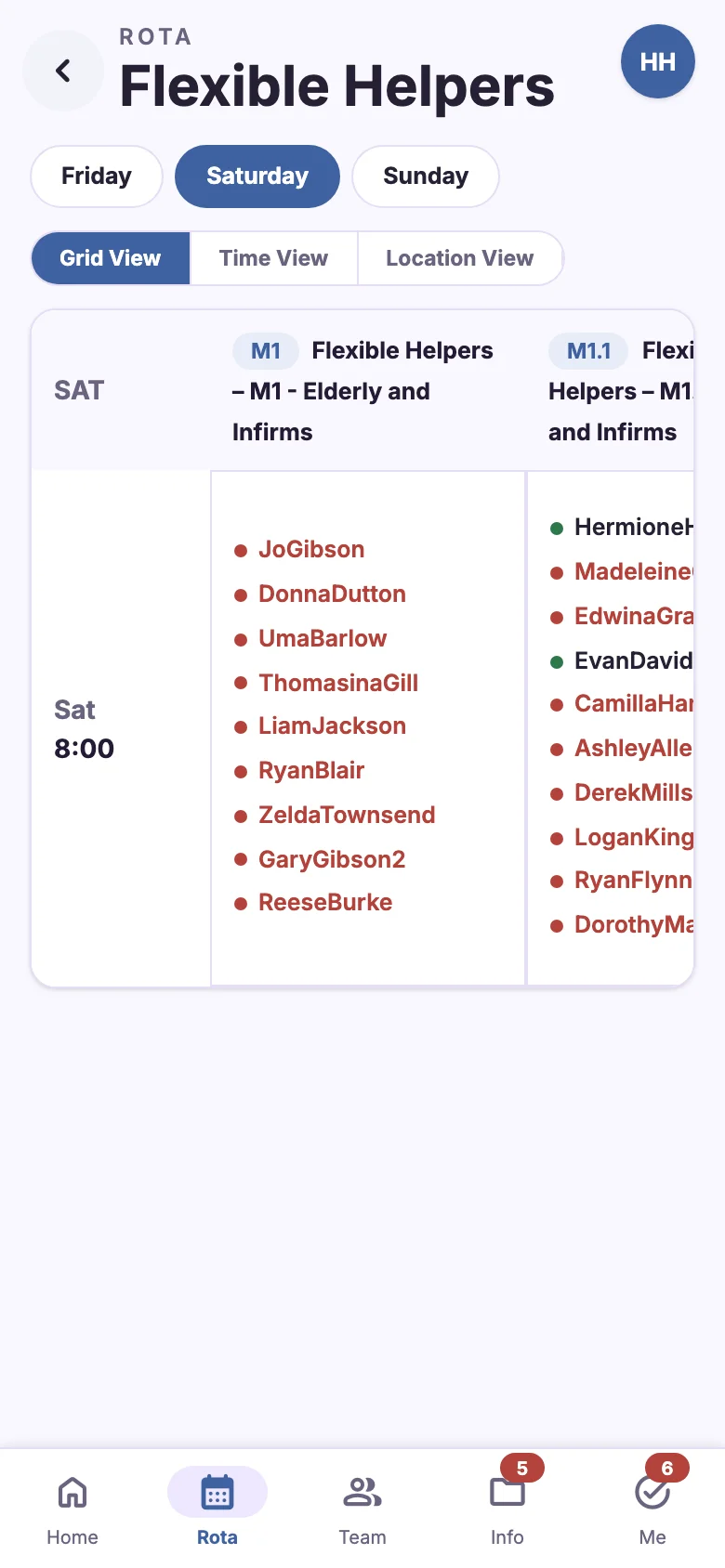
The rota has three views: a grid by location, a time view and a location view. Day chips make it quick to move through the event. Leaders can see rota completion, untrained volunteers on the rota and unanswered availability without leaving the page.
- Grid, Time and Location views of every team's rota
- Rota status with completion for each section
- Volunteer allocation with hours-per-volunteer targets
- Spreadsheet export of rotas and volunteer lists

Reach the right people in seconds
Event alerts go to everyone, to whoever is on shift now, or to chosen teams, groups or roles. Alerts can ask each person to acknowledge, so you can see straight away who has read the message and who still needs a nudge.
- Information, important and emergency severities
- Delivered, acknowledged and outstanding counts in real time
- Stand down an alert with an all-clear when it's resolved

From the first registration to the last shift
Rota and scheduling
Timeslots, allocation, three rota views, self-booking and exports.
Registration and approvals
Public sign-up with congregation approvals and a full audit trail.
Training
Tracks per assignment, meeting booking, QR registers and videos.
Event day
Check-in, alerts, todos and attendance counts.
Team and contact
Searchable team lists with call, text, WhatsApp and email.
Documents
Permissioned folders, unread badges and offline access.
Notifications
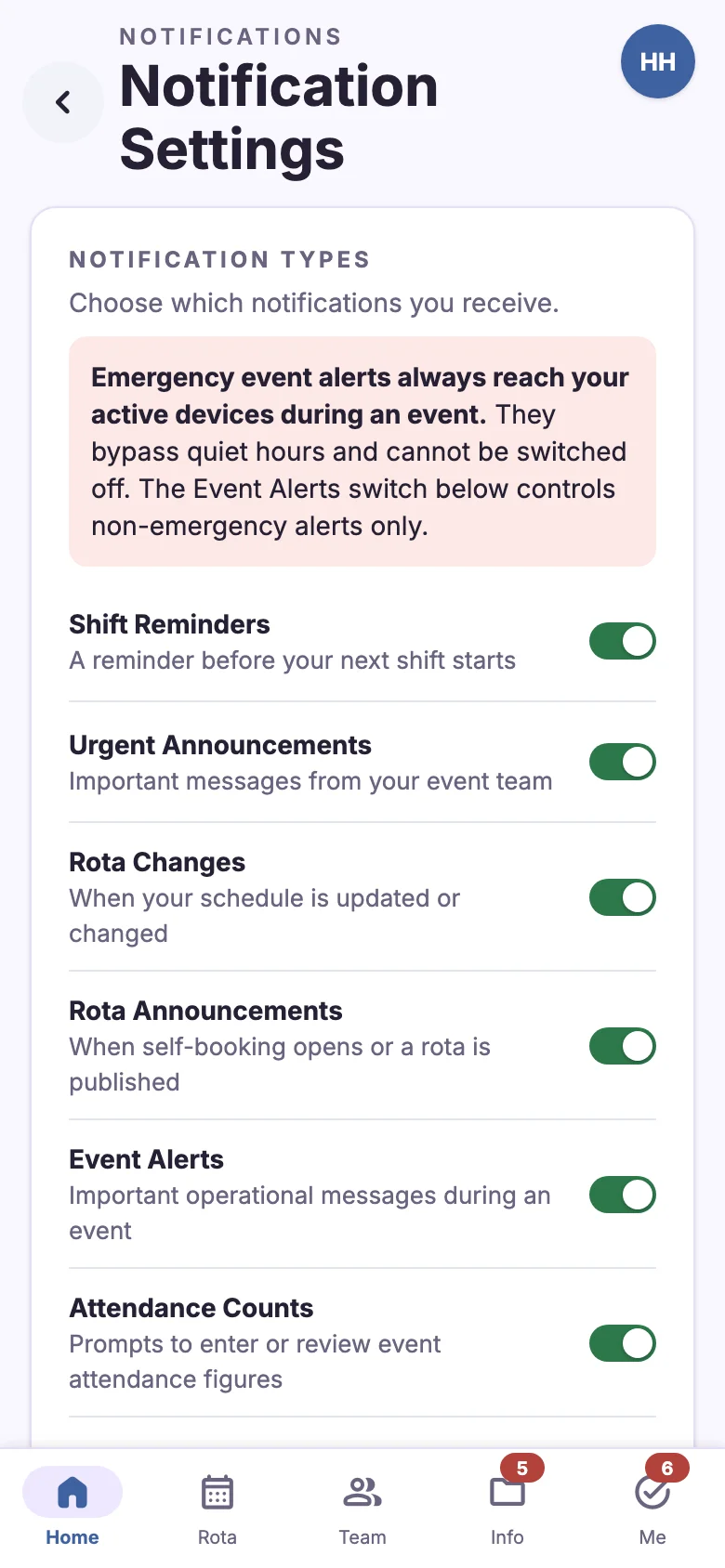
Shift reminders with your own lead time and quiet hours.
Reports and admin
Trained status, section numbers, reports and settings.
Designed for the phone first
Most volunteers only ever use their phone. Every screen works one-handed, works on patchy Wi-Fi, and is one tap from the tab bar.

Everyone sees what they need, and nothing more
Access follows each person's role. Someone can hold more than one role, such as captain and administrator. The app adapts its dashboards, menus and data to match.
Volunteer
- Shifts, rota and calendar
- Check-in on event day
- Training booking and QR pass
- Documents, alerts and todos
Captain
- Team dashboard and rota status
- Issue and track team todos
- Attendance counts
- Section numbers and exports
Level captain
- Area overview of every captain
- Allocate volunteers between teams
- Rota gaps and availability
- Event alerts to their area
Overseer and admin
- Users, assignments and timeslots
- Approvals, training and documents
- Event alerts and reports
- Instance settings and AI Connect
See how your event team could run on JW Volunteer
Explore the full feature list, or get in touch to talk about setting up an event team.